


Independent Trip.com Booking Guide

How to Find and Book China Tours on Trip.com

To find and book China tours on Trip.com, explore Attractions & Tours for day trips, or Group Tours and Private Tours for organized or more flexible itineraries. Search your destination, compare available dates and itineraries, and check guide language, pickup arrangements, included services, the final price, and cancellation terms before paying. Then review your booking status and save your confirmation or voucher.

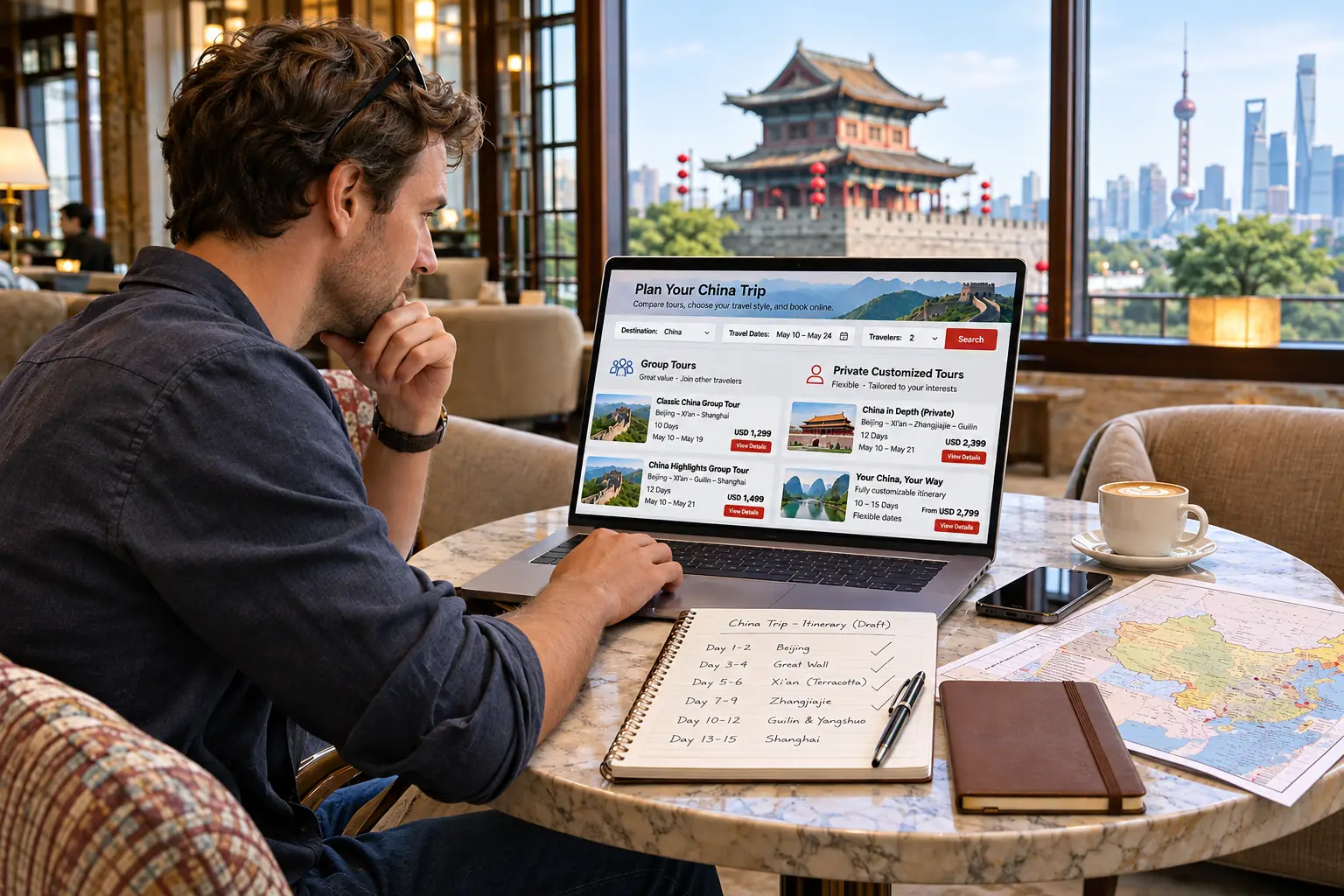
International traveler comparing China tour itineraries and booking details on a laptop
Quick Answer

How Do You Book a China Tour on Trip.com?

On Trip.com, browse Attractions & Tours or Things to Do for local experiences and day trips, or explore Group Tours and Private Tours for organized and flexible itineraries. These categories can overlap. Search by destination, select a listing, check the available date, package, inclusions, and cancellation terms, then complete checkout.

  • Choose the right experience. Compare day tours, small-group departures, and private itineraries before selecting a listing.
  • Check before paying. Confirm the guide language, pickup or meeting point, inclusions, final price, and product-specific cancellation rules.
  • Keep your booking details. Check the confirmation status and save any voucher or instructions provided for the tour.

Choose Your Tour Type

Which Trip.com Tour Category Should You Choose?

Trip.com lists China day tours, shared group itineraries, and private tours in different areas of its site. Start with the experience you want—not just the destination—then check the details of an individual listing.

The three formats below can overlap. A day-tour listing may offer a private option, while a group tour may last one day or several days. Use these categories to narrow your search, not as a substitute for reading the product description.

Day Tours — Local Excursions and Sightseeing

Under Attractions & Tours (also shown as Things to Do), browse China day tours on Trip.com for a half-day or full-day trip, such as a Great Wall excursion from Beijing or a guided city visit. These listings can include shared, small-group, and sometimes private options. Check the exact duration, meeting point, guide language, and whether admission tickets or transfers are included.

Group Tours — Shared Itineraries and Tour Packages

Choose Group Tours when you prefer a planned route with other travelers. Trip.com shows both one-day and multi-day group itineraries. Compare the departure city and date, group size, transport, hotels where applicable, and any stated departure conditions before selecting a package.

Private Tours — More Flexible Arrangements

Explore Private Tours if you want to travel with your own party or request a more personalized itinerary. Some offers provide a private vehicle, a driver, a guide, or customization, but these are not identical benefits. Confirm which services are included, what can be changed, and whether any change affects the price.

What Matters More Than the Category Label?

  • Travel format: shared group, small group, or exclusive private booking.
  • Practical details: starting location, duration, guide language, transportation, and accessibility or age restrictions.
  • Booking conditions: available dates, total payable amount, confirmation method, and cancellation rules for that specific tour.
Entrance to the Forbidden City in Beijing, China

Trip.com Booking Tutorial

How to Find and Book China Tours on Trip.com: Step by Step

Use this six-step walkthrough to go from a China tour search to a checked booking. Exact filters, product options and confirmation times vary by listing; always follow the details shown for the tour you select.

  1. 01. Open the Right Tour Section

    On Trip.com, start with Attractions & Tours (sometimes shown as Things to Do) for local experiences and China day tours. For longer organized itineraries, explore Group Tours or Private Tours instead of searching only the attractions list.

  2. 02. Enter Your China Destination

    Search for a city or a specific experience, such as Beijing Great Wall day tour, Shanghai city tour or Xi'an Terracotta Warriors tour. For destination context, see our Xi'an travel guide, then compare matching Trip.com listings by duration, departure city, traveler reviews and available languages. Group-tour results may also offer filters for trip length and group size.

  3. 03. Choose the Date and Tour Option

    Open a suitable listing and select your preferred travel date, departure or package option, and the number of adults and children where requested. A single listing may offer different pickup locations, guide languages, transport arrangements or ticket combinations. Recheck availability and price after each choice.

  4. 04. Read the Exact Tour Details

    Check the itinerary, start time, tour duration, operator details and meeting point or hotel pickup area. Confirm whether entrance tickets, transport, meals and an English-speaking guide are actually included. For multi-day China tour packages, verify hotel nights, room arrangements and transfer coverage.

  5. 05. Check Out With Accurate Details

    Review the selected option, total payable price, cancellation deadline and any extra charges before payment. Enter traveler names and contact details exactly as requested; some tours or attractions may require identity information. Use the checkout instructions shown for that product and complete payment only after checking the order summary.

  6. 06. Check the Booking and Save the Voucher

    Look for the booking in your Trip.com account or confirmation email. Check whether its status is confirmed or still processing; payment alone does not always mean the tour is confirmed. Save the booking number, any voucher or QR code provided, and the operator's meeting instructions before departure.

Tourists hiking along the Great Wall of China

Practical Booking Example

Booking a Beijing Great Wall Day Tour

Imagine you want a guided visit to the Mutianyu Great Wall. These are the product details to check before booking—not a promise that any particular departure, price or option is currently available.

  • Search term: Use "Beijing Mutianyu Great Wall day tour" and compare relevant experiences.
  • Product option: Distinguish shared bus tours from private transfers or guided experiences.
  • Included services: Check Great Wall admission, cable car or toboggan options, guide language and hotel pickup coverage.
  • On-the-day instructions: Confirm the departure time, exact meeting location and voucher or ID requirements.
Important: booking status is product-specific

Some experiences show instant confirmation; others require processing. Follow the status and redemption instructions on your own Trip.com booking—not a generic platform-wide promise.

Interface labels and available options may differ between the Trip.com website and app, your region, and individual tour suppliers.

Choose with confidence

How to Compare China Tours on Trip.com Before Booking

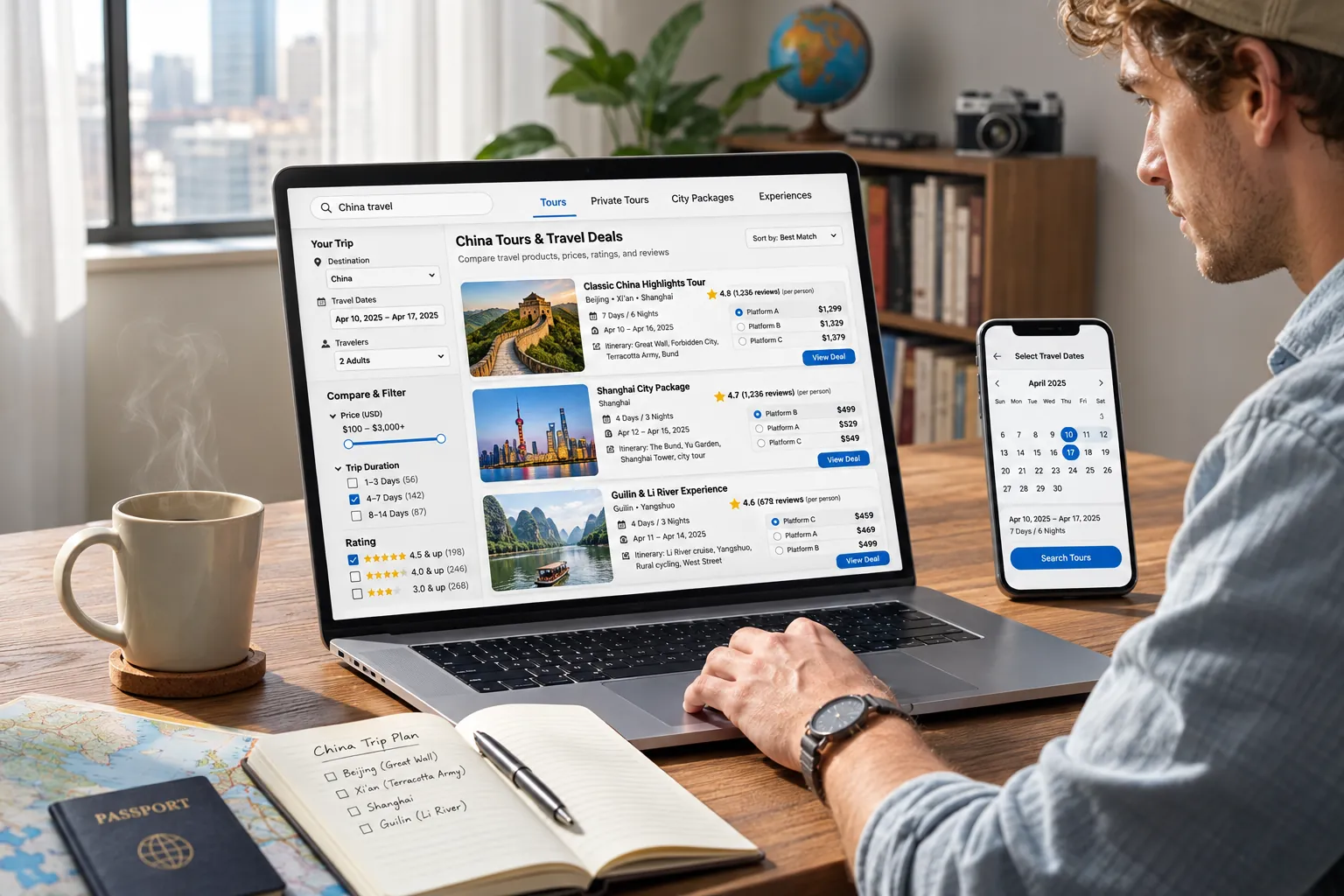
Two Trip.com China tours can visit the same landmark yet deliver very different experiences. Instead of choosing by the headline price or star rating alone, compare what happens on the day, who provides the service, and whether the selected option fits your travel plans.

Look Beyond the Itinerary Title

Check the full route, actual time at attractions, departure point, return location and expected travel time. A full-day Great Wall tour may include substantial road transfers, so a longer advertised duration does not necessarily mean more time sightseeing. For multi-day tours, also compare the pace and time allocated to each city.

Useful question: How much time will I spend exploring rather than traveling between stops?
Check the Group and Guide Experience

Look for details about shared versus private transport, group-size limits, and the language and scope of any guiding service. Some product pages offer several packages: a guide or private vehicle shown for one option may not be included in another. Read the details for the specific option you intend to reserve.

Useful question: Is the service I need included in this exact package?

Read Reviews for Practical Details

Ratings and review counts can help identify options worth inspecting, but comments are often more useful than an average score. Look for recurring feedback about punctuality, the guide's explanations, vehicle comfort, unexpected shopping stops, and how the actual schedule compares with the listing. Give more weight to specific, recent experiences than isolated praise or complaints.

Useful question: Do multiple travelers describe the experience I am expecting?

Match Pickup and Entry Rules to Your Plans

A tour can look ideal until its meeting point, starting hour or admission conditions do not fit your trip. Compare whether pickup is offered at your hotel, where the tour ends, and any age, accessibility or identity-document requirements. For attractions with ticket reservations, check the selected listing's entry instructions rather than assuming admission is automatic.

Useful question: Can every traveler meet the logistics and entry requirements?

Which Detail Should Decide?

The better tour is the one that suits your actual travel constraints. Use these priorities to choose between otherwise similar Trip.com listings.

  • Short Stay or Fixed DeparturePrioritize realistic return times, departure location and whether delays could affect your next booking.
  • Family or Slower Travel PaceCompare walking demands, stairs, rest stops, transport arrangements and any age restrictions.
  • English-Language ExperienceVerify the language and coverage of guiding in the exact tour option, not just the search-result label.

Tip: Make a shortlist of two or three suitable tours first. The following pricing section explains how to compare their full payable cost, extras and inclusions on the same basis. Trip.com listing details and options can change, so use the selected product's current terms before booking.

TRIP.COM PRICING GUIDE

Trip.com China Tour Prices and Extra Fees

A “From” price on Trip.com is a starting price—not necessarily the amount you will pay for your chosen date, party size or package. Check the selected option and the full payment summary before placing your order.

Why Can a Trip.com Tour Price Change?

The displayed starting price can differ from the quote for the tour option you actually select.

  • Travel date and availability: Different departure dates or time slots may show different prices.
  • Package selection: Transport-only, admission-inclusive and upgraded options can be priced separately.
  • Traveler details: Adult and child categories, participant numbers or private-group sizes can change the amount.
  • Promotions and display currency: Sale labels and converted amounts may vary by booking context.

What Does Your Selected Package Cover?

Read the specific package details and “What's included” section rather than relying on the product headline.

  • Tickets: An entrance ticket may be included while a cable car, chairlift or another activity is optional.
  • Transport: A shared bus and pickup from a meeting point differ from hotel pickup or private transport.
  • Guide service: Confirm the language, whether guiding is included, and which parts of the tour are guided.
  • Multi-day packages: Check the exact hotel nights, meals and transfers, where relevant.

Which Extra Fees Might Apply?

Some costs are optional, some are paid locally, and others depend on your payment provider.

  • On-site activities: Cable cars, slideways, extra admission or add-on experiences if excluded.
  • Pickup surcharges: Collection or drop-off outside an operator's stated service area.
  • Personal costs: Meals, snacks, purchases and gratuities when not part of the offer.
  • Currency charges: Your bank or card issuer may apply exchange-rate differences or foreign-transaction fees.

After Booking · Travel Documents

Trip.com China Tour Booking Confirmation, Vouchers and Meeting Details

After paying for a China tour on Trip.com, open the order in My Bookings or check your booking email. Confirm its current status, save whichever ticket or voucher is actually issued, and review the tour's meeting or pickup instructions before departure. The documents and confirmation process vary by product.

Understand Your Order Status

Payment Is Not Always Final Confirmation

A successful payment only shows that the payment step succeeded. Check whether the tour reservation or ticket has been confirmed before relying on it for your travel plans.

Processing / Pending

The booking may still be awaiting supplier confirmation or ticket issuance. Follow the estimated timeframe shown on the order; if it is overdue or unclear, contact Trip.com support using your order number.

Confirmed / Ticket Issued

Review the confirmed date, travelers and chosen tour option. Open any attached voucher, ticket or joining instructions, and check how the operator expects you to use them.

Where to Find Your Trip.com Tour Booking

Check My Bookings in your Trip.com account or app and open the relevant tour order. Also look for the confirmation message sent to the email used at checkout, including its spam folder if necessary. Keep the booking number handy when asking about an order.

The menu wording may differ by device or region; use the order's own status and details as the source of truth.

Which Voucher, QR Code or ID Do You Need?

Some products provide a digital voucher or QR code; others ask you to show your passport, exchange a voucher, or meet a guide before admission. Read the usage and entry instructions attached to your specific order. Save the document offline if one is issued.

Do not assume every China day tour includes a QR code, or that a payment screenshot is valid for entry.

How to Verify the Meeting Point and Pickup

Confirm the local departure time, exact meeting-point address or pickup area, and any guide or operator contact details supplied. Note whether hotel pickup is confirmed or whether you must travel to a designated location. Check for any later instructions sent by the tour operator.

For group tours and day trips, arrival and meeting instructions matter as much as the ticket itself.

Before You Leave for the Tour

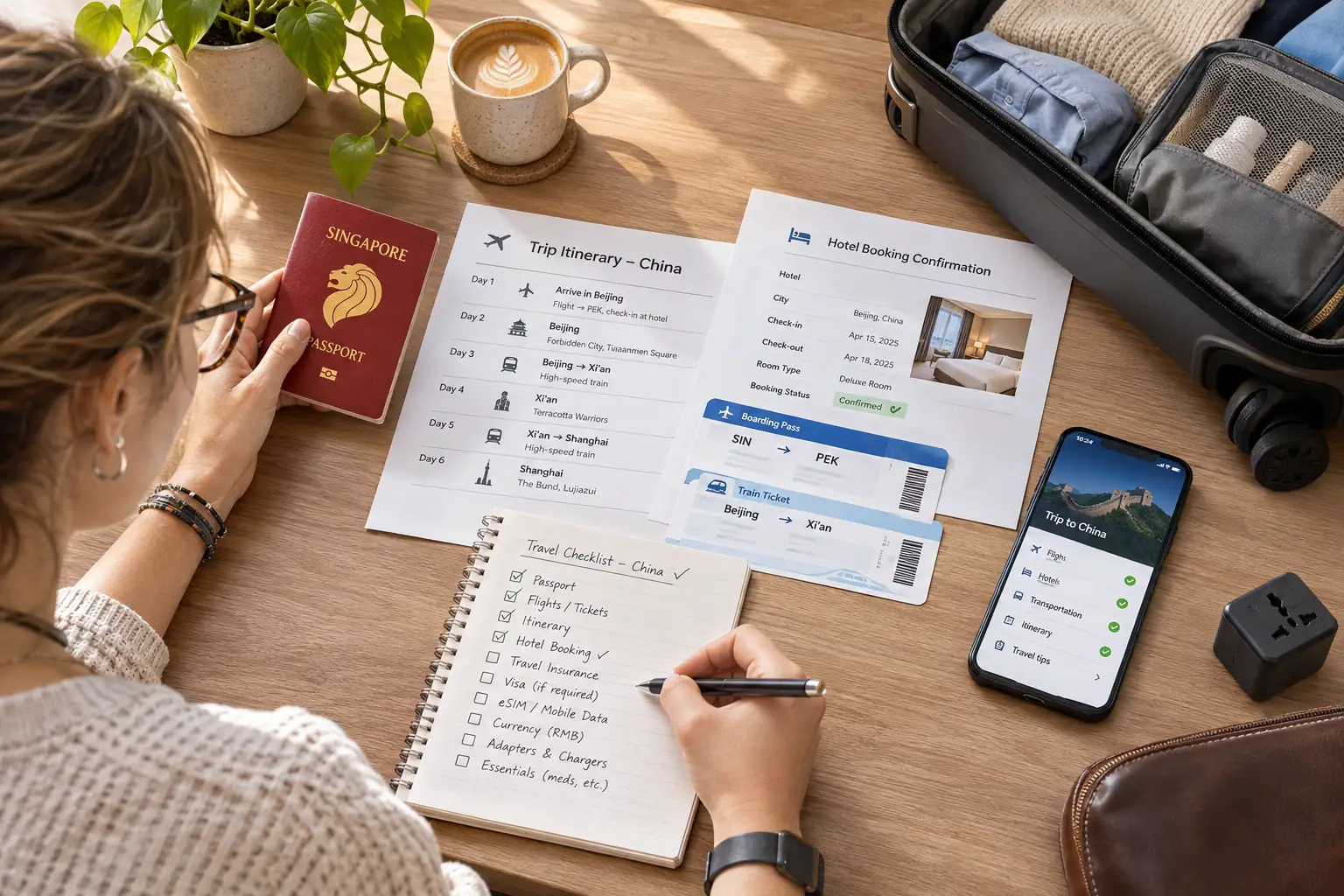
Make a quick offline record of the essentials so you can find them even without mobile data at the departure point.

  • Confirmed order number, date and selected option
  • Voucher, ticket or QR code if supplied
  • Correct traveler names and required identity document
  • Meeting location, pickup time and operator instructions

Important distinction: A tour voucher is a document used for the booked experience, not necessarily a payment receipt. Trip.com's standard E-Receipt feature does not cover Tours / Things to Do products. If your order remains pending, your voucher is missing, or the pickup information is unclear near departure, contact Trip.com through the booking's support options rather than placing a duplicate order.

Cancellation & Refunds

Trip.com China Tour Cancellation and Refund Policies

Can you cancel a China tour booked on Trip.com? Sometimes, but the rules are not the same for every day tour, group tour or private tour. Your selected package and booking details determine the cancellation deadline, possible fees and refund eligibility.

When Is Cancellation Free?

A Free cancellation label applies only under the conditions shown for that particular tour option. Check the exact cutoff date, time and time zone. Canceling after the stated deadline may result in a fee or no refund, even when the tour originally advertised free cancellation.

What If the Tour Is Non-Refundable?

Some China tour packages are non-refundable; others allow only a partial refund. Ticket components, deposits, optional activities and missed departures may carry separate restrictions. Do not assume that an unused voucher or a change of travel plans qualifies for money back.

What If the Operator Cancels?

If the supplier cancels or materially changes the experience, contact Trip.com support through your booking and ask which rebooking or refund remedies apply. Eligible group tours, private tours and custom trips may also have special-circumstance coverage, subject to the published terms and required evidence.

Request Checklist

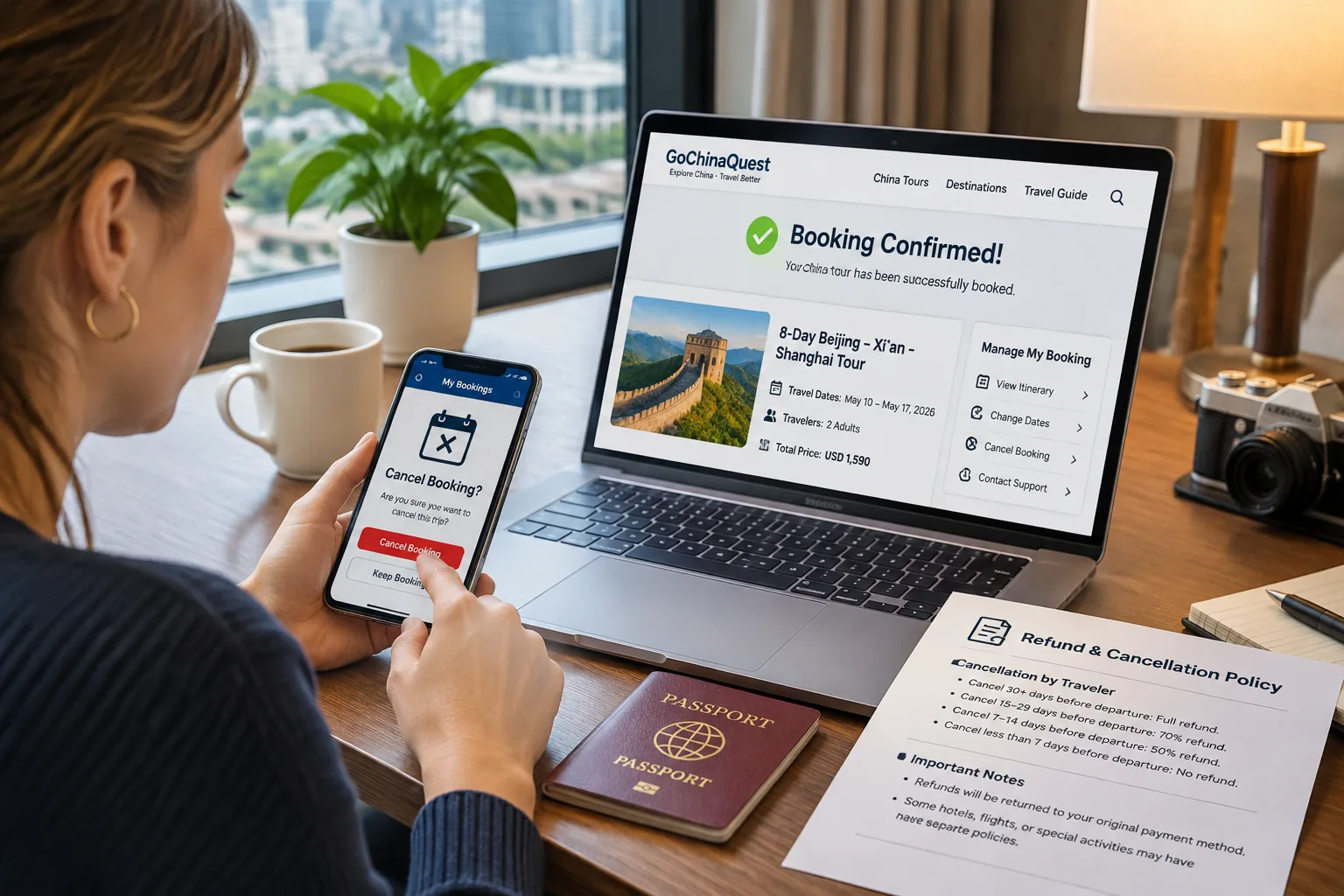
How to Request a Cancellation or Refund

Start with the actual tour order, not the general cancellation rules for Trip.com flights, hotels or trains. Use the booking-specific policy and instructions shown to you.

  1. Open Your Tour Booking Sign in to Trip.com, find the reservation under My Bookings or the corresponding trips area, and verify the tour name, date, selected option and booking number.
  2. Read the Refund Terms Review the cancellation cutoff and any displayed fee or refund amount. Check the booking's own policy rather than assuming a general free-cancellation period.
  3. Submit the Request Properly Use the order's cancellation option if available. Otherwise, contact Trip.com customer support for the correct process. A message to the tour operator alone may not complete a cancellation.
  4. Keep Proof and Follow Up Save the submission time, written confirmation, case reference and relevant evidence. Monitor the request and any approved refund; the payment provider may affect when funds arrive.

Important: A cancellation request is not the same as an approved refund. If the tour was canceled by the supplier, or an emergency prevents travel, ask Trip.com to assess the applicable booking terms and service guarantees. No universal refund amount or processing time applies to every China tour.

Before You Confirm Your Tour

Common Mistakes When Booking China Tours on Trip.com

Even when a China tour looks suitable, small booking mistakes can affect admission, pickup, or your travel plans. These six practical checks focus on avoidable errors beyond comparing itineraries, prices, and refund policies.

Mixing Up the Departure City or Local Start Time

A tour may depart from a city-center meeting point rather than the attraction itself. Reading the start time in your home time zone can also cause confusion. Avoid it: confirm the departure city, travel date, and local meeting time for the exact option you booked.

Choosing the Wrong Traveler or Package Option

Adult and child categories, ticket eligibility, and add-on services can vary by listing. The cheapest option may not cover everyone or the experience you expect. Avoid it: match every traveler to the correct option and review any age, height, or eligibility rules shown.

Entering Names or ID Details Incorrectly

Some China attractions and tours request identity information for admission or reservations. Misspelled names or incorrect document numbers can be difficult to amend. Avoid it: enter details exactly as requested, using the same travel document you will carry.

Scheduling an Onward Train or Flight Too Tightly

An itinerary’s advertised duration may not account for getting back to your hotel or station, traffic, or unexpected delays. Avoid it: leave a realistic buffer before a high-speed train, domestic flight, or another timed booking, especially after a full-day excursion.

Submitting Payment Again Before Checking the Order

If checkout freezes or an error appears, a second payment attempt could create an avoidable duplicate-charge concern. Avoid it: check your Trip.com booking status and payment record first; contact Trip.com support if the result is unclear rather than immediately retrying.

Overlooking Operator Updates Before Departure

Meeting instructions, pickup arrangements, or required documents may be supplied in the confirmation or a later operator message. Avoid it: keep your contact details accessible, check for updates, and save the latest joining instructions before leaving.

Tour Booking Help

How to Resolve Trip.com Tour Booking Problems

If something goes wrong after booking a China tour on Trip.com, open the affected order and contact the tour operator or Trip.com support as the situation requires. Use these issue-specific actions to solve the problem, document what happened, and avoid unnecessary duplicate payments or purchases.

My Payment Went Through, but the Tour Is Not Confirmed

The card was charged or shows a pending authorization, yet the tour order is missing, pending, or unconfirmed.

Check the actual order status. Look in Trip.com My Bookings and the email used at checkout. If the order cannot be found or remains pending close to departure, contact Trip.com with the transaction reference and departure date. Do not submit another payment until the first transaction has been checked.

My Tour Voucher or QR Code Is Not Accepted

The attraction entrance or tour staff cannot scan or recognize the voucher shown on your phone.

Ask what information is missing. Compare the product, use date, traveler identity, and redemption method with your booking instructions. Contact Trip.com while still at the venue and keep a photo or written record of the rejection. Attraction-ticket guarantees have eligibility conditions and may not apply to a guided tour; do not assume a replacement purchase will be reimbursed.

The Guide or Pickup Vehicle Is Not at the Meeting Point

You are at the listed meeting location near departure time, but cannot find the guide, group, or driver.

Contact the operator immediately. Use the contact details on your voucher, confirm the exact meeting pin and local time, and document your location and attempted calls. If the operator cannot be reached, ask Trip.com support for urgent assistance before changing plans. Keep any resulting instructions in writing where possible.

The Tour Is Changed or Canceled After Booking

You receive notice that the departure, itinerary, pickup arrangement, or included experience is no longer available as booked.

Ask for the revised terms in writing. Compare the proposed alternative with your confirmed itinerary and request clarification on price, inclusions, and your options if you do not accept it. Contact Trip.com through the original order about rebooking or refund eligibility. Remedies depend on the product terms and the reason for the change.

My Tour Refund Is Missing or the Amount Looks Wrong

The order says canceled or refunded, but your payment account shows no credit or a different amount.

Trace the refund against the original payment. Review the order’s refund status, currency, fee breakdown, and payment method. Check whether the bank has posted the credit, and request the refund reference or a written amount breakdown from Trip.com if it is unclear. Refund timing and deductions vary; do not rely on a universal processing deadline.

Trip.com or the Tour Operator Has Not Resolved My Case

You have contacted support, but the response does not answer the issue or the departure time is approaching.

Escalate with a clear case summary. Give the booking number, departure time, previous case reference, screenshots, and the specific resolution you need. Ask for the next escalation or urgent-support option and retain a record of the response. For an imminent departure, use the live support options rather than waiting only for email.

Common questions

FAQs About Booking China Tours on Trip.com

Practical answers for international travelers. Tour availability, accepted documents, languages, tickets, and cancellation conditions can vary by listing and selected package.

Is Trip.com reliable for booking China tours?

Trip.com is an established travel-booking platform, but individual tours may be operated by third-party suppliers. Before booking, review the specific listing, recent traveler feedback, inclusions, meeting arrangements, and cancellation conditions rather than relying on the platform name alone.

Can international travelers book China tours on Trip.com?

International visitors can book eligible tour products, but document requirements and participant restrictions are not identical across listings. Check any nationality, age, passport, and entry requirements in the selected option before paying, especially for attractions using real-name admission.

Does Trip.com offer English-speaking China tours?

English-language options are available on some tours, but the guide or service language depends on the product and package. Confirm that English is specified for your selected option; a translated listing page does not by itself guarantee an English-speaking guide.

Can I book a China day tour without a multi-day package?

Yes. You can look for standalone day trips and local experiences. Day tour describes the duration, while group and private describe the format; these categories can overlap. Check the departure city, itinerary, duration, and whether transport is included.

Do I need a passport to book or join a China tour?

Some experiences require passport information for named tickets or identity verification; others may ask you to bring the original travel document on the day. Follow the exact ID instructions shown for your booking and enter traveler names as they appear on the required document.

How far in advance should I book China tours?

There is no single booking window for every product. Tours with limited spaces, fixed departures, or popular attraction entry times may need more advance planning, especially around major holidays. Check the live availability for your date and make sure the reservation is confirmed before relying on it.

Will I receive a voucher or QR code immediately after payment?

Not always. Depending on the tour, confirmation can be pending, and entry may use a voucher, QR code, identity check, ticket exchange, or joining instructions. Check the order status in My Bookings and follow the voucher or admission details for that specific tour.

Can I change or cancel my China tour after booking?

Changes and refunds depend on the product's terms and any cancellation deadline. Some options allow free cancellation before a stated cutoff; others can be partially refundable or non-refundable. Open the booking details and review the applicable rules before submitting a change or cancellation request.